In today's fast-paced digital world, finding the right tools to boost productivity is crucial. Many rely on popular apps and software, but sometimes the best solutions are right under our noses. One such tool, often overlooked, is Samsung's Second Screen feature. This powerful yet underrated tool can transform your workflow, offering a seamless extension of your desktop environment.
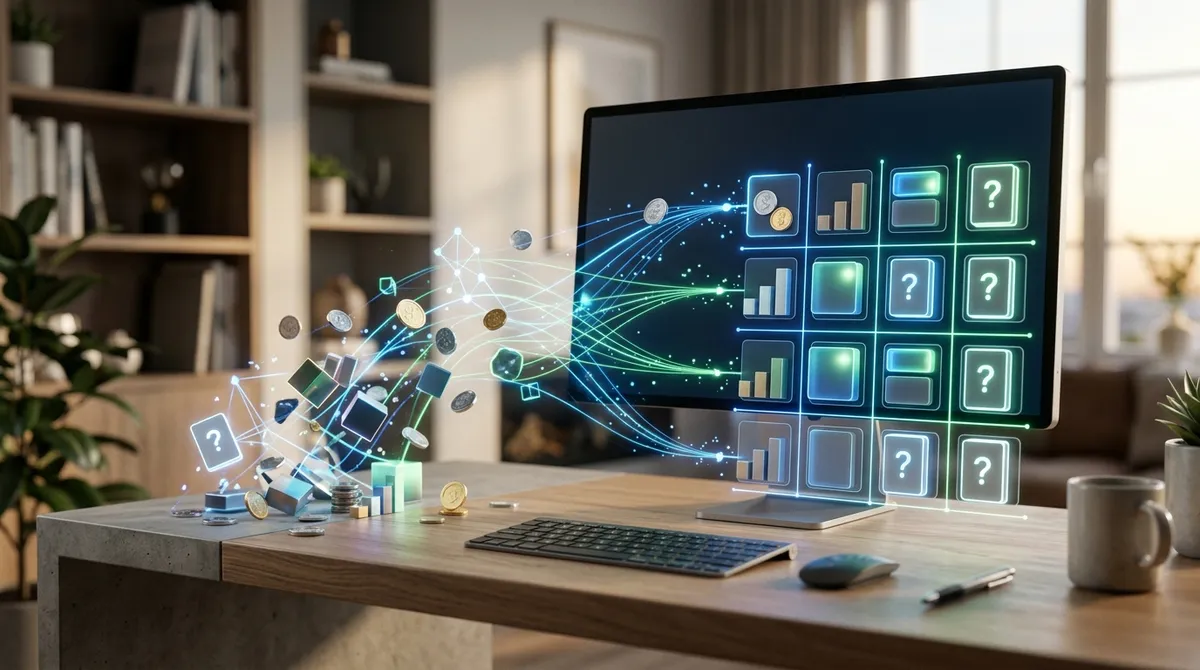
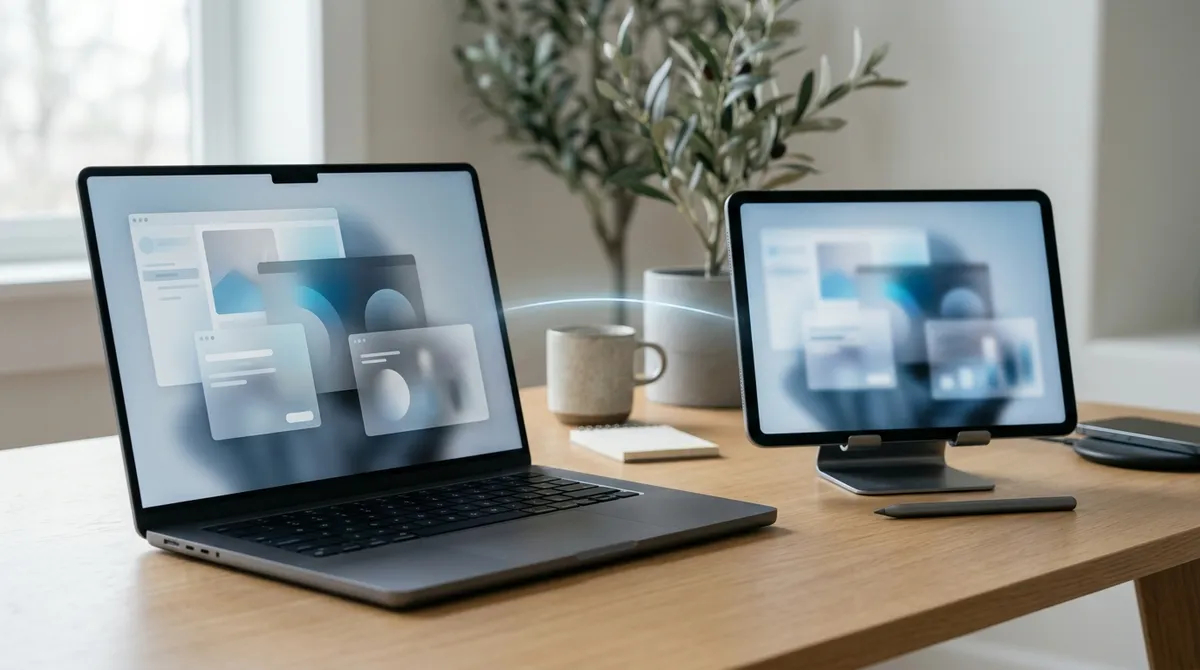
Samsung's Second Screen feature is designed to enhance productivity by effectively turning your Galaxy tablet into a wireless monitor for your PC. This functionality allows users to extend or duplicate their desktop, making multitasking easier and more efficient. It's an ideal solution for those who need additional screen space without investing in a new monitor.
Setting Up Samsung's Second Screen
Getting started with Samsung's Second Screen is straightforward. Users need to ensure their Samsung Galaxy tablet is compatible and updated to the latest software version. Once confirmed, connecting the tablet to a Windows PC is a breeze. Simply enable the Second Screen feature on the tablet and locate it via the "Project" feature on Windows. This quick setup process makes it accessible even for those who aren't tech-savvy.
Enhancing Multitasking Capabilities
Once connected, the benefits of using Samsung's Second Screen become immediately apparent. For professionals who juggle multiple tasks, having an additional screen means more space for organizing work. Whether you're editing documents, managing spreadsheets, or conducting research, this feature allows you to keep all necessary applications visible and accessible.
Creative professionals can particularly benefit from this setup. Graphic designers, video editors, and photographers often require multiple applications open at once. The Second Screen can display tool palettes, timelines, or reference materials, freeing up the main display for the primary workspace.
Portability and Convenience
One of the standout benefits of using a Samsung tablet as a Second Screen is its portability. Unlike traditional monitors, a tablet is easy to carry, making it perfect for on-the-go productivity. Whether you're working from a café, a co-working space, or traveling, your dual-screen setup can travel with you.
This convenience doesn't compromise performance. The wireless connection between the tablet and PC is robust, ensuring minimal lag and smooth operation. This reliability makes it a practical choice for remote and hybrid work environments, where flexibility is key.
Maximizing Efficiency with Samsung's Second Screen
To fully leverage the capabilities of Samsung's Second Screen, users can customize their setup to fit their specific needs. Adjusting display settings and arranging open windows can optimize workflow. For those who frequently switch between tasks, creating a dedicated workspace on the tablet can streamline processes and reduce the time spent switching back and forth between applications.
Moreover, the Second Screen feature can complement other productivity tools and apps. Integrating it with project management software or communication platforms allows for a comprehensive productivity suite, ensuring all essential tools are just a swipe away.
Unlock the Full Potential of Your Devices
Samsung's Second Screen feature is a hidden gem in the realm of productivity tools. By transforming your Galaxy tablet into a versatile second monitor, it opens up new possibilities for efficient multitasking and enhanced workflow. For professionals seeking to boost their productivity without incurring additional costs, exploring this feature could be a game-changer. As technology continues to evolve, embracing such innovations can ensure you stay at the forefront of productivity and efficiency.